
Megapari Registration, Login, and Verification
Megapari registration opens access to sports betting and casino games for players in Pakistan. The site offers three ways to register a new account: by email, by phone, or through social networks like Google and Telegram. After sign up for Megapari, you can deposit funds, place bets, and withdraw winnings in Pakistani Rupees. New users receive welcome bonuses up to 62,000 PKR for sports or 439,800 PKR plus 150 free spins for casino games.
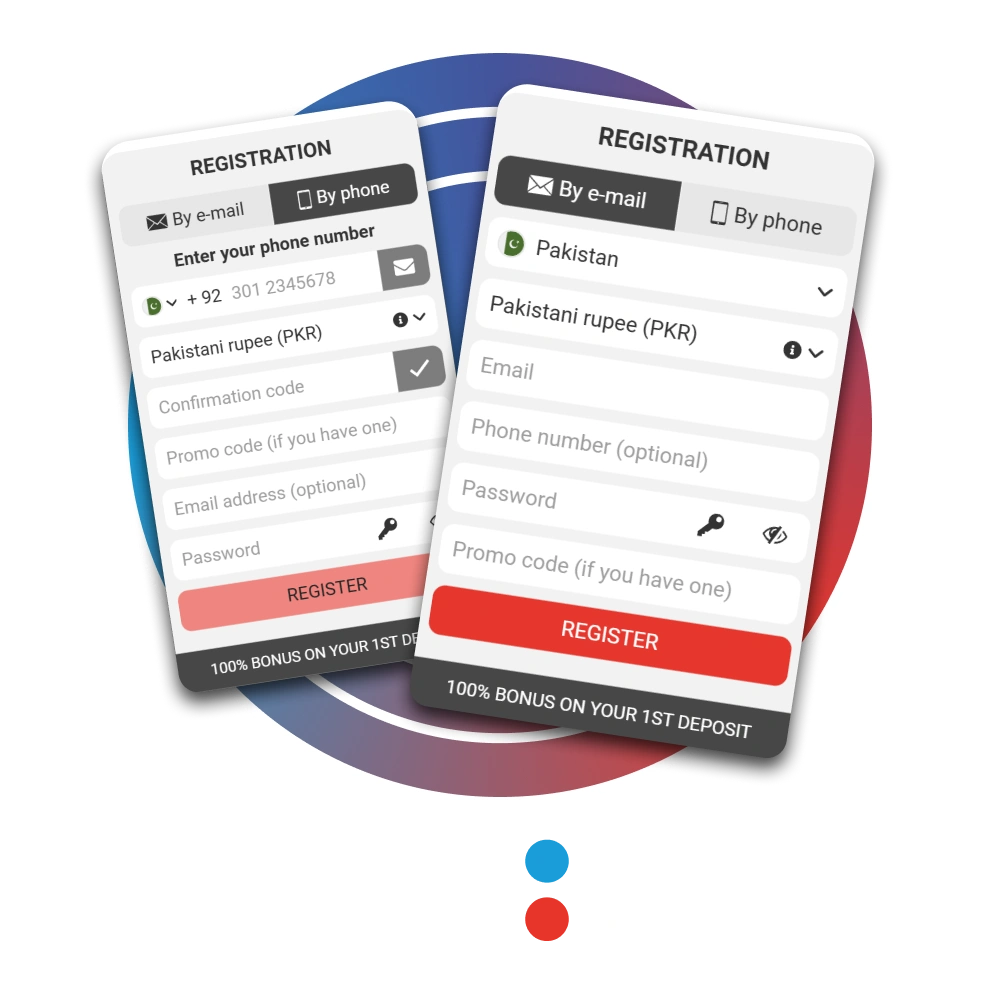
Create a Megapari Account
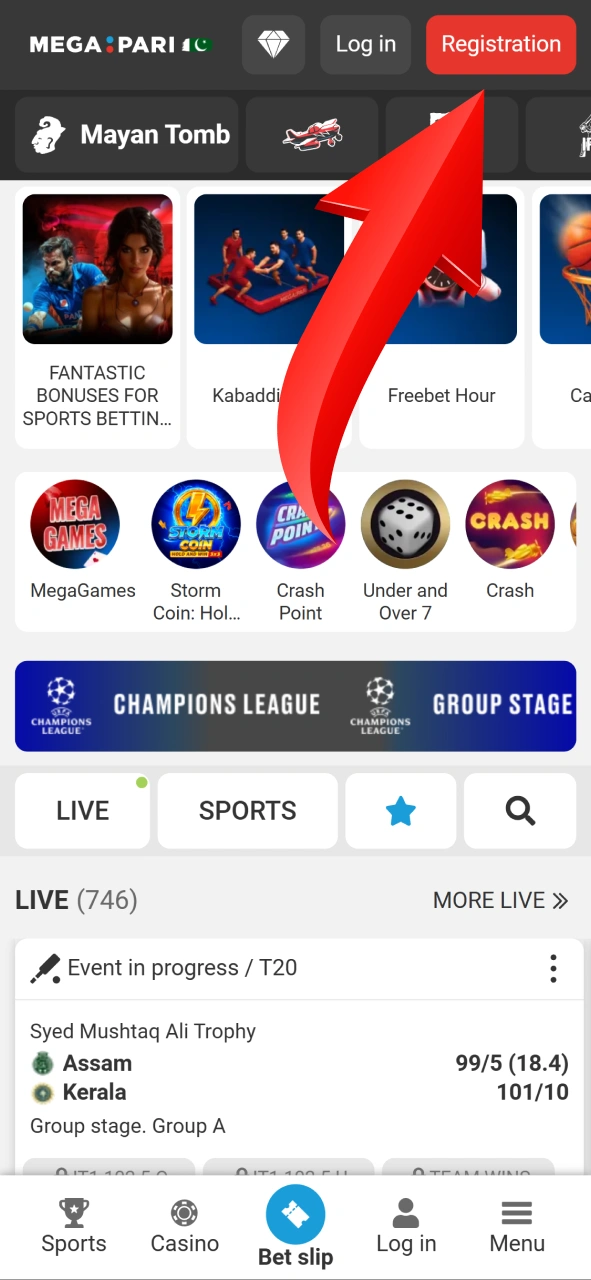
Open the Registration Form
Click the red “Registration” button at the top right corner of our site to open the registration form.
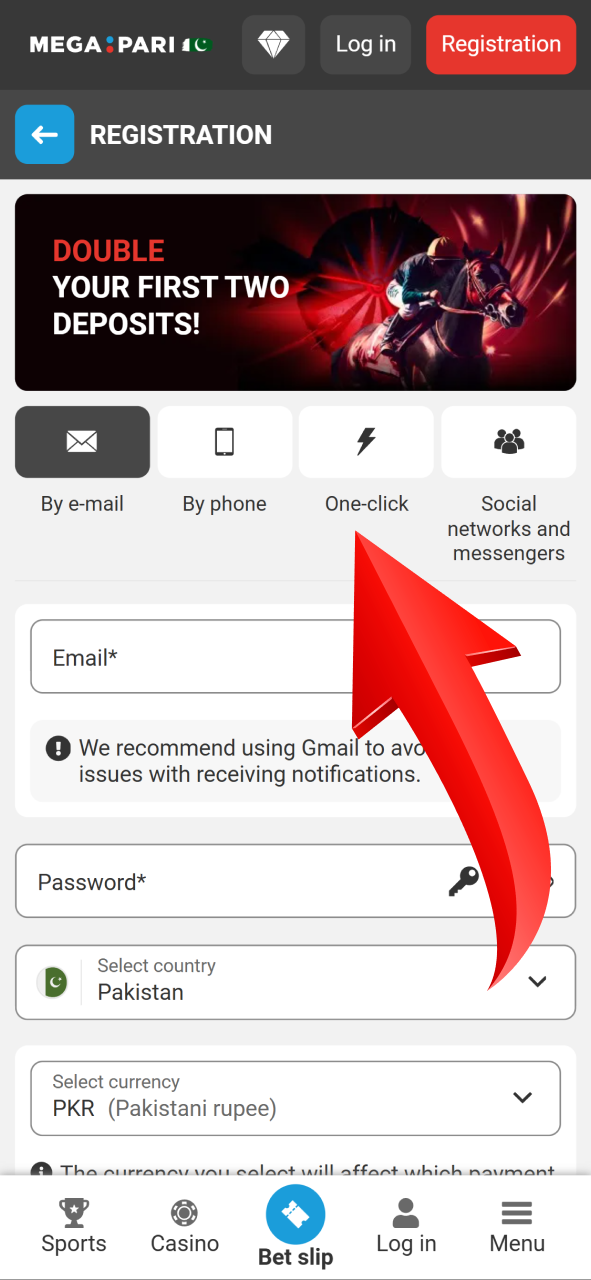
Choose Your Registration Method
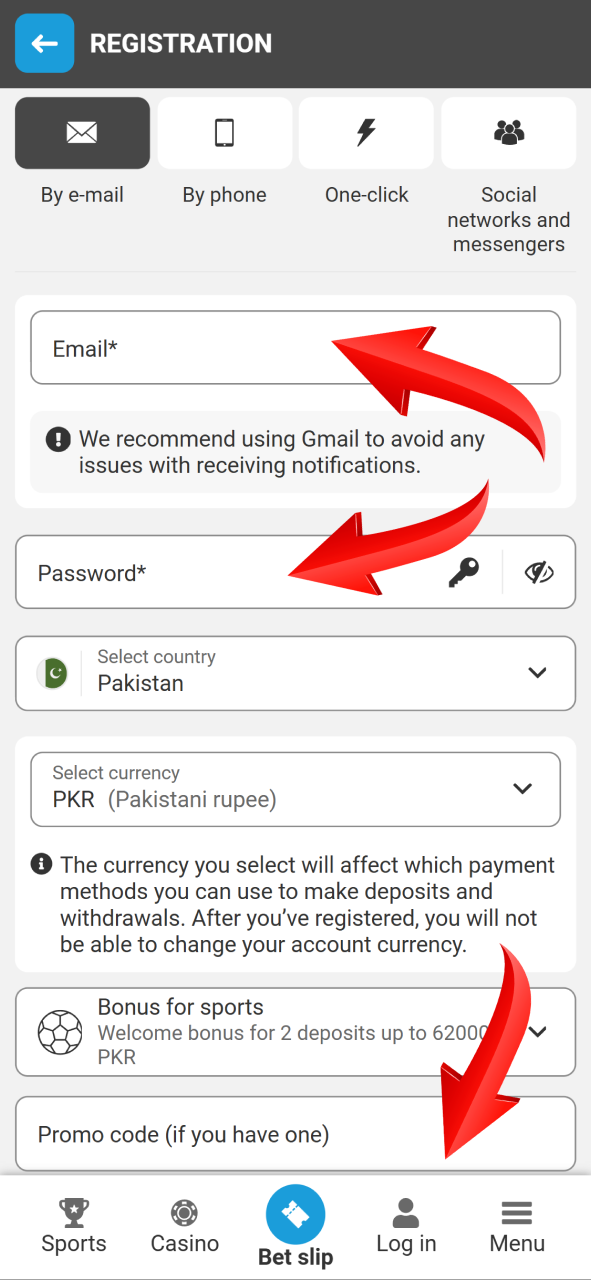
Select one option from three tabs: by email, by phone, or social networks and messengers. Each method has the same result but different required fields.
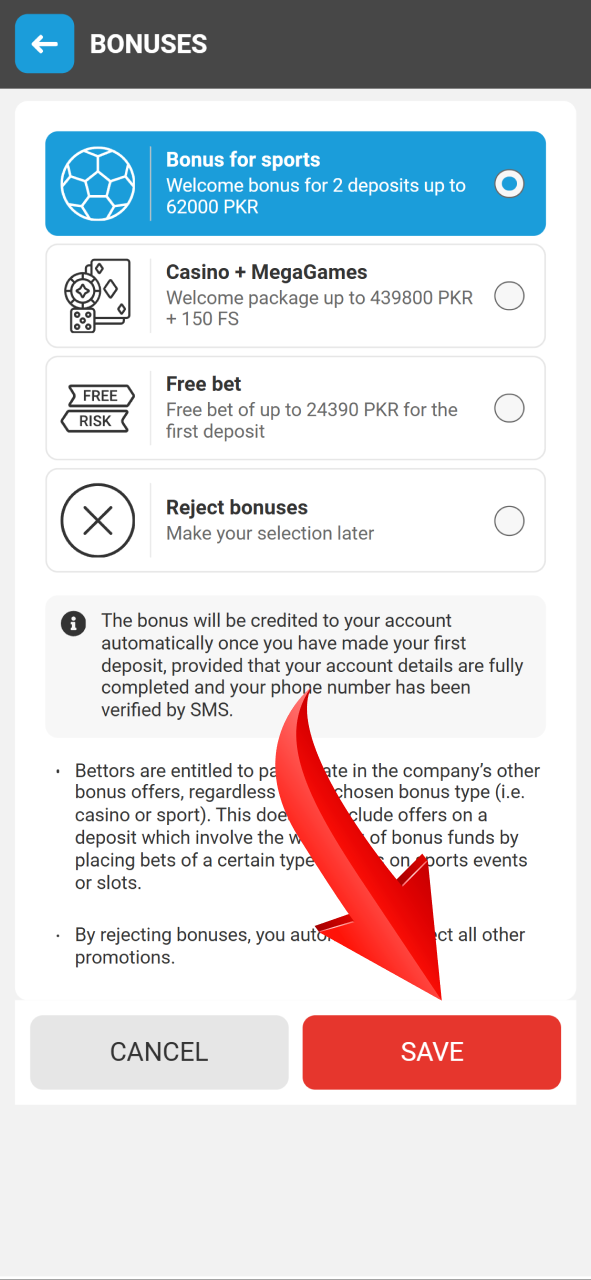
Select Your Welcome Bonus
Pick one of three offers: sports bonus for two deposits up to 62,000 PKR, casino package up to 439,800 PKR with 150 free spins, or free bet up to 24,390 PKR for the first deposit.
Fill in Your Details
Enter your phone number or email. Add your password and a promo code. The system automatically sets Pakistan as your country and PKR as the currency.
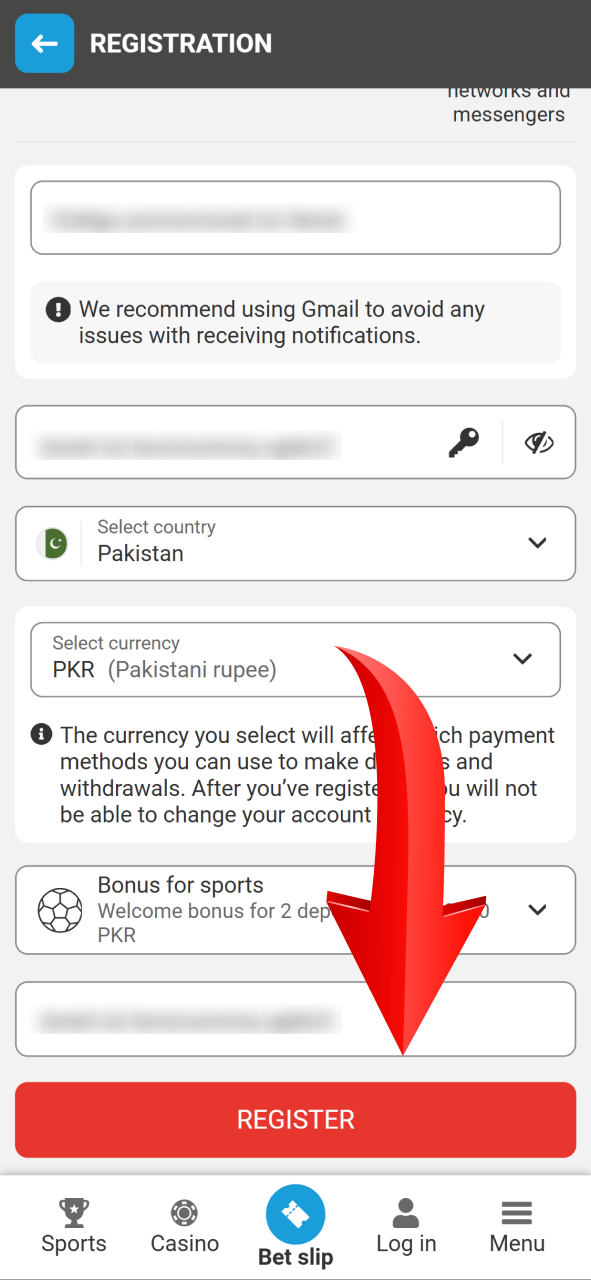
Confirm Registration
Click the red “Register” button. Check the box to confirm you agree to Terms and Conditions and are 18 years or older. Your Megapari bet login credentials become active immediately.
Register via the Megapari Mobile App
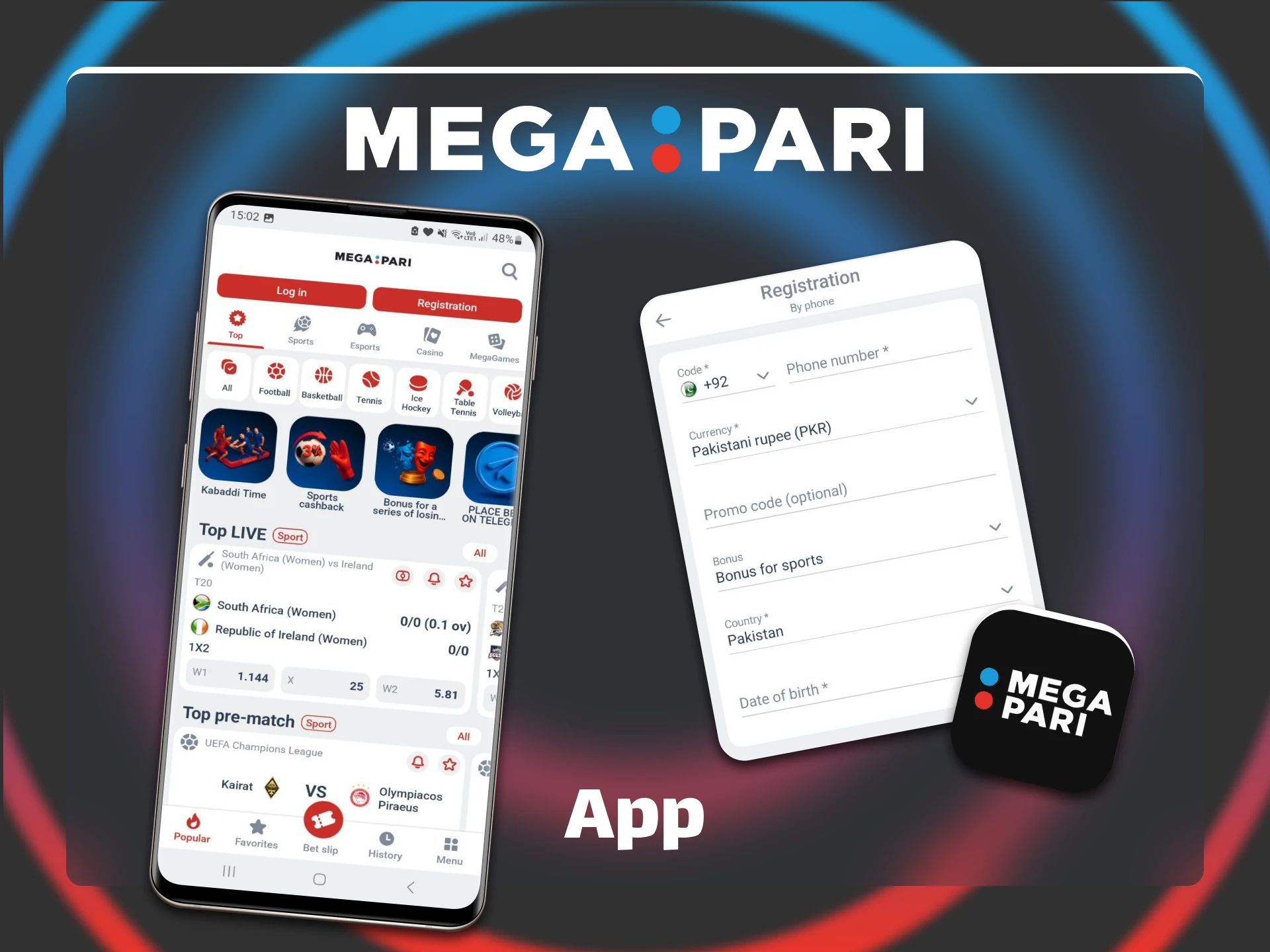
The mobile app offers the same Megapari registration process as the website. The main difference is that you access the registration form through the app interface after installation. All fields, bonuses, and verification steps are identical. Here is how to make it through your mobile device:
- Download the Megapari app. Open the installation page with the button below and tap the Android or iOS download button on the main page.
- Install the application. For Android, enable installation from unknown sources in Settings.
- Open the app and tap “Registration.” The button is in the top right corner of the screen.
- Select your registration method. Choose email, phone, or social networks.
- Pick your welcome bonus. Tap one of three available options: sports, casino, or free bet.
- Tap “Register” to finish. The account will be created automatically.
Next time you log in to the app, you can use the Remember Me function to stay logged in all the time and don’t spend your time on it.
Registration Requirements
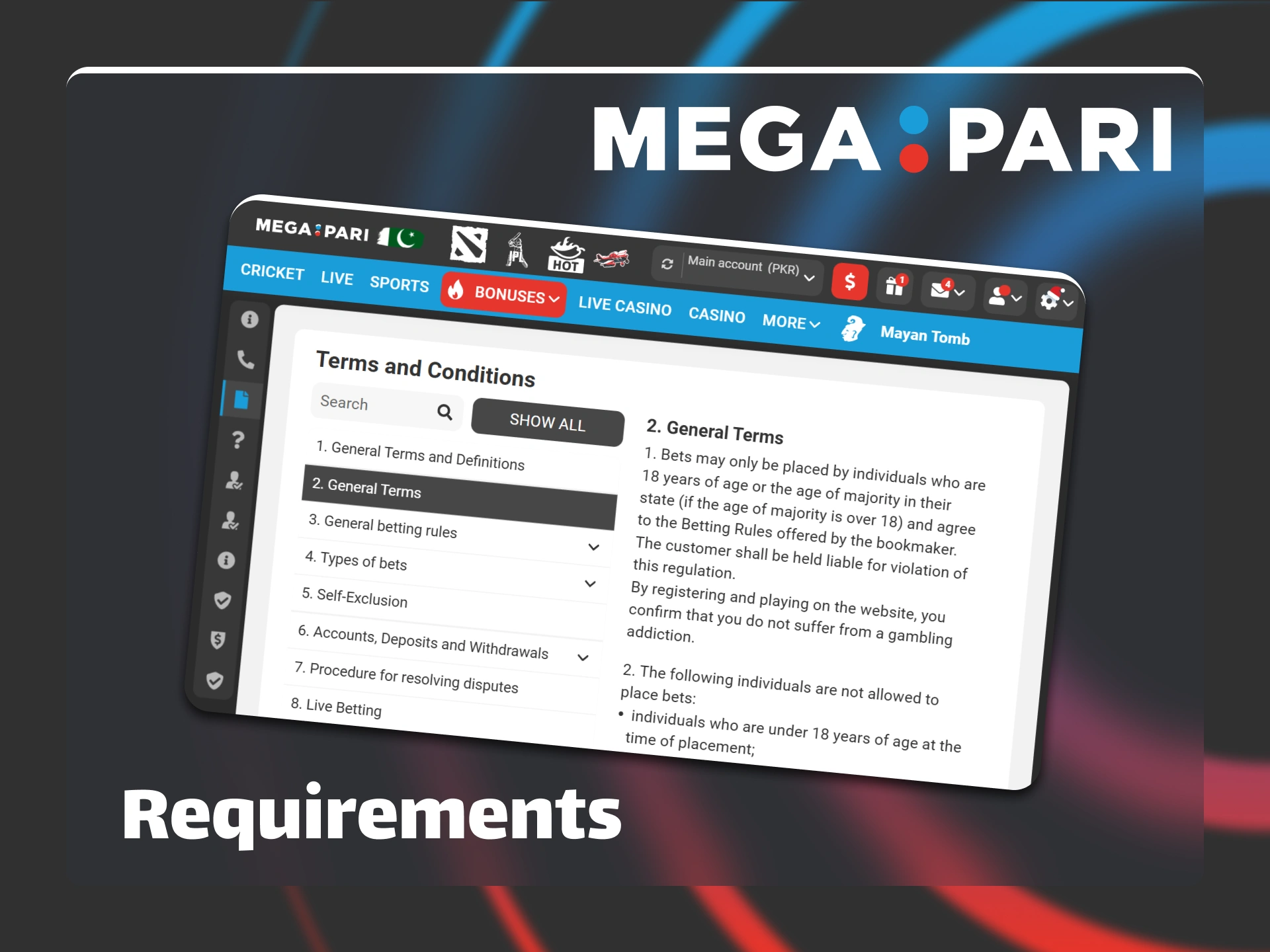
Megapari has strict rules to protect users. All players must meet these conditions before they can register a Megapari account and start betting. Here are the most important ones:
- You must be 18 years old or above;
- You can create only one account per person;
- You must use accurate personal information;
- You must use payment methods in your own name.
Account Verification Process
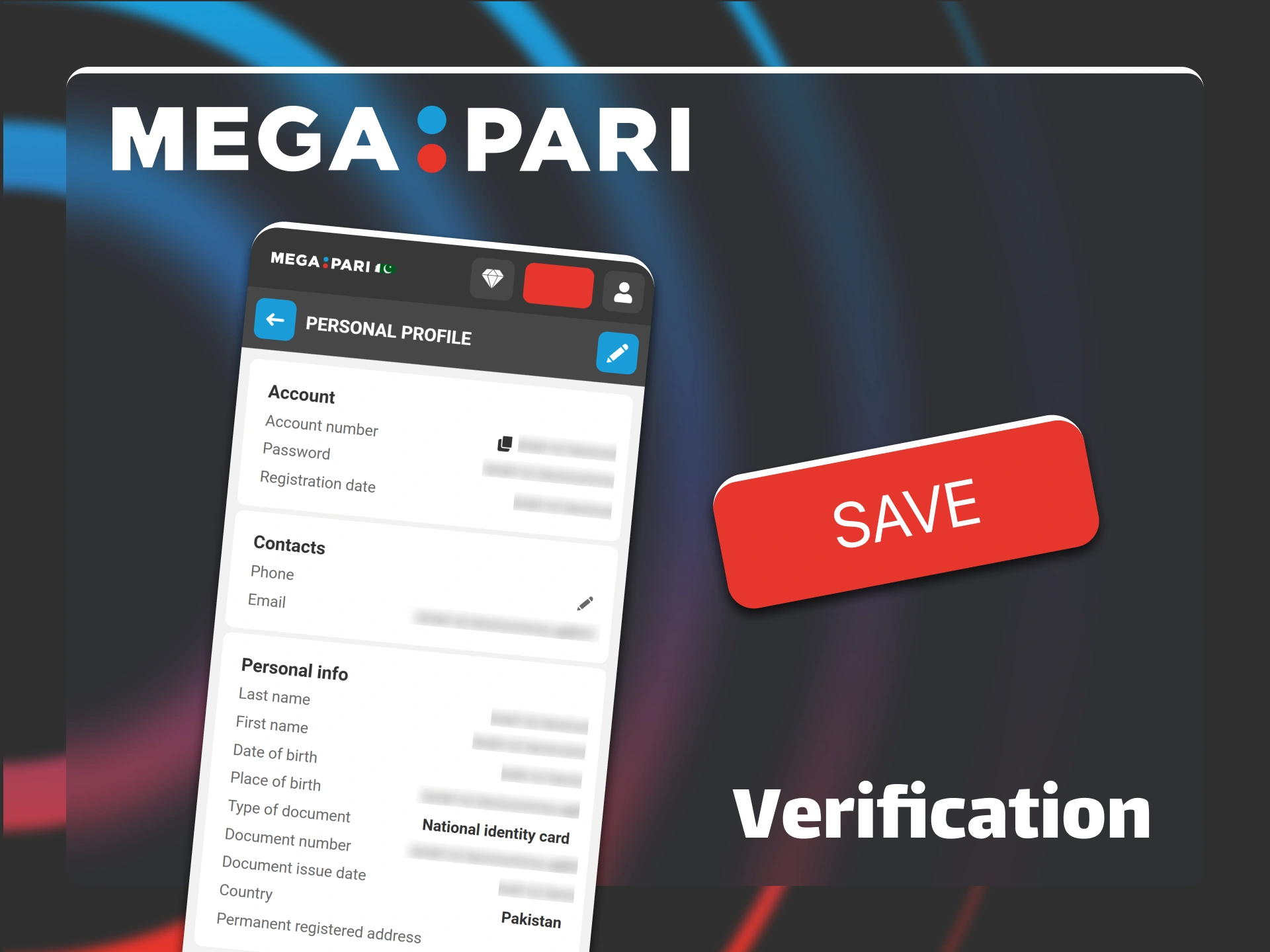
Verification confirms your identity and protects your funds. The Megapari casino login and withdrawal functions require a verified account. You can submit documents anytime after Megapari registration, but you must complete verification before your first withdrawal request. The process takes up to 24 hours after you upload all required files. Here is how to make it:
- Personal Details Confirmation. Log in with the button in the upper right corner of our site and go to your profile section. Check that your name, date of birth, and address match your ID documents.
- Identity Verification. Upload a clear photo of your passport, national ID card, or driver’s license. The document must show your full name and photo.
- Address Proof. Submit a utility bill, bank statement, or government letter dated within the last three months. The document must display your current residential address.
- Payment Method Verification. Provide a screenshot or photo of your EasyPaisa, JazzCash, or bank account that shows your name and account number.
- Wait for Approval. The verification team reviews your documents within 24 hours and sends confirmation to your registered email address.
Login to Megapari Account
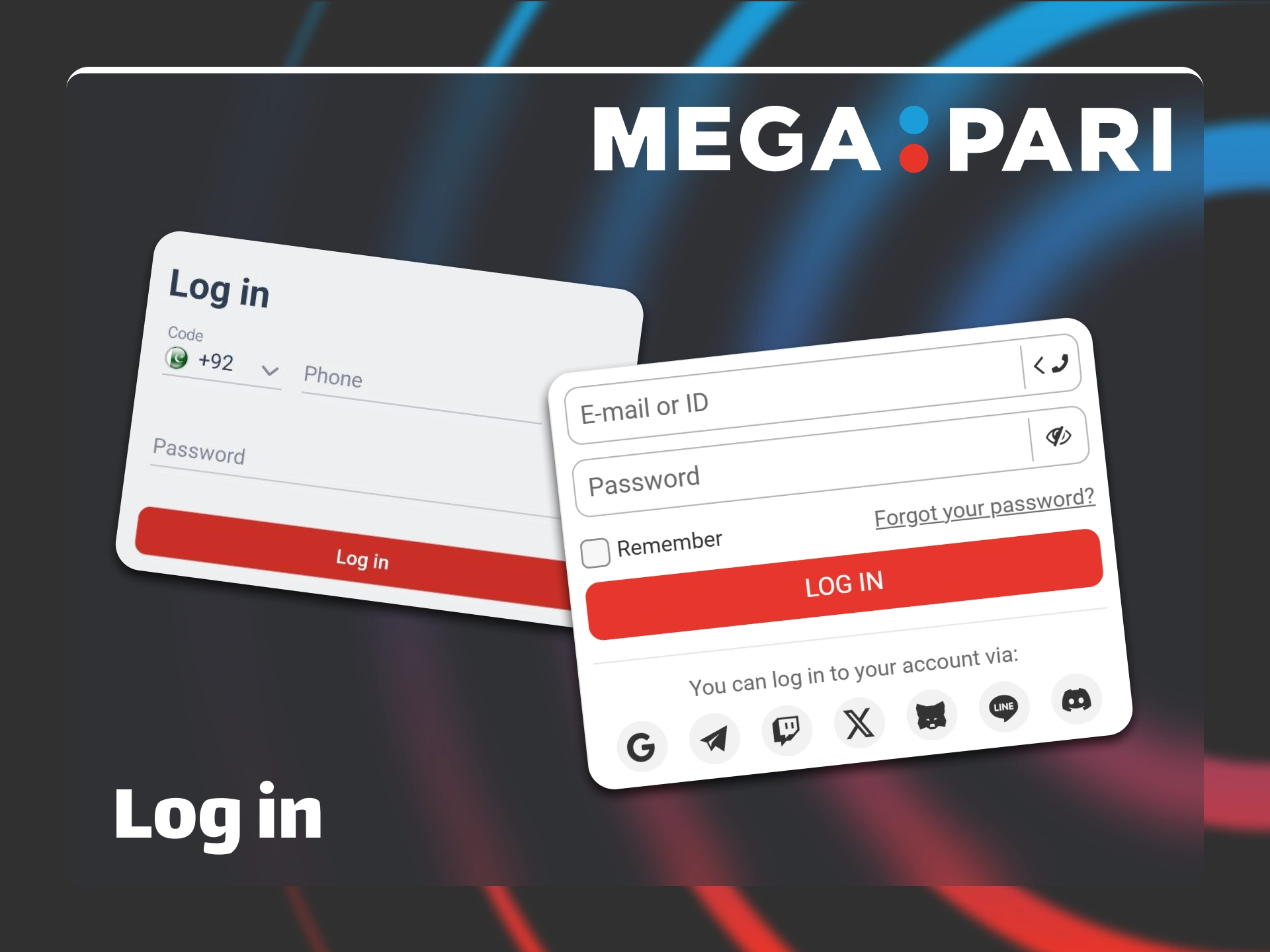
You can access your Megapari login Pakistan account from the website or mobile app. Use the same credentials you created during registration.
- Click the “Log in” button at the top right corner of our website.
- Enter your email address or phone number in the first field.
- Type your password in the second field.
- Click the red “Log in” button to access your account.
Megapari Welcome Bonus
Pakistani players receive two types of welcome bonuses after Megapari sign up. The sports bonus gives you up to 62,000 PKR on your first two deposits. You get 100% match on each deposit, with a maximum of 31,000 PKR per deposit. The casino bonus offers up to 439,800 PKR plus 150 free spins for the first two deposits. Your first deposit earns a 100% match up to 146,600 PKR and 50 spins for the Golden Mine slot. The second deposit gives 100% match up to 293,200 PKR with 100 spins for Ocean Legacy.
To claim your bonus, complete Megapari registration and make a qualifying deposit. The minimum deposit is 1,600 PKR for sports and 1,500 PKR for casino. Sports bonuses require 5x wagering on accumulator bets with three or more selections at odds of 1.40 or higher. You have 30 days to meet these requirements. Casino bonuses need 35x wagering within seven days. Choose your bonus carefully because you can only claim one welcome offer per account.

Sign up and Login Problems
Below is a short introduction to common problems that users from Pakistan may face when they register or log in to Megapari. The table also shows effective solutions for each issue.
| Problem | Cause | Solution |
|---|---|---|
| Website not loading | Your internet provider blocks the domain | Use a VPN service or request an alternative link from Megapari support |
| SMS code not received | Network delay or message filtered as spam | Wait up to 5 minutes, check your spam folder, or request a new code after 10 minutes |
| Incorrect password | Wrong credentials or mistyped email | Click “Forgot your password?” and follow the reset link sent to your email |
| Account suspended | Multiple accounts or violation of bonus rules | Contact customer support and provide ID documents for verification |
| Login details lost | Forgotten registration number or email | Reach out to live chat support, available 24/7, to recover your account |
FAQ
How to delete my Megapari account?
You cannot delete Megapari account in settings. Contact support via live chat or email [email protected], confirm identity, and request closure. Withdraw all funds first. Processing takes up to 48 hours.
Can I log in using social media accounts?
Yes. You can use Google, Telegram, Twitch, Twitter, Steam, Line, or Discord. Select “Social networks and messengers” during registration or click the icon on the login page.
Is my personal information secure when I log in?
Yes. Megapari uses SSL encryption, stores passwords in a hashed format, and keeps payment data on secure servers.
What should I do if I cannot log in?
Check your email or phone details, use “Forgot your password?”, and clear the browser cache. Try another VPN server if needed. Contact live chat or +44 1863 440619 for help.
Updated:
Comments